03 Dec 2025 · 10:41document
Brand A logo kit · 2026
12 pages · lockups kept
AI creative workspace
Zenflow is the state layer between them. It remembers what your brand approved, retrieves it into whichever model is best this month, repairs what's wrong from your real assets, and gets better with every yes.
Free to start. Pay the provider's price plus a visible 12%. No credits that expire.
 @rexinstance match
 ready
readyThe main context — why a state layer
Every image and video model on the market forgets you the moment the session ends. The character it held so well dies when the tab closes. The references you dragged in have to be dragged in again tomorrow, in the next tool, for the next campaign. The brand book was never read. The two hundred assets your client approved last quarter were never seen. The thirty-seven rejections taught it nothing.
That is fine for one person making one picture. It is not fine for a team producing two hundred on-brand assets for six client brands by Friday, across models that change every month.
Zenflow sits above the models and holds the state they can't. Every prompt, generation, approval and rejection is stored with time. When you ask for "the dog from last year's cultural campaign, same pose, but for Christmas", Zenflow finds that exact dog, shows you it remembered, and loads it into the model you choose. When a render is ninety percent right, it repairs the ten from your real logo, your real ambassador, your real product. And every approval your creative director gives makes the next run more on-brand, for that brand only.
 @talentSocial set · Summer 2026kept
 kept
keptZenflow keeps the whole record, not a folder of files. Each prompt, each generation with the exact model that made it, each approval and rejection with the note the reviewer wrote, each brand rule, each direction document. Every item is embedded and timestamped, so "the summer ambassador shots" and "what the client rejected in May" are questions the workspace can answer.
Brand A logo kit · 2026
12 pages · lockups kept

Brand A · sofa · logo held
Nano Banana 2 · 1174×1174
Creative director · approved
note: the chest logo sits square
the chest logo never crops at the seam
evidence · 11 approvals
@rex · cultural hero · frame 04
Nano Banana 2 · 1024×1536
the dog from last year's cultural campaign, for Christmas
resolved → @rex · Cultural 2025
@rex · Christmas hero · 02
Nano Banana 2 · identity 0.97
Client · approved
note: same dog, new season
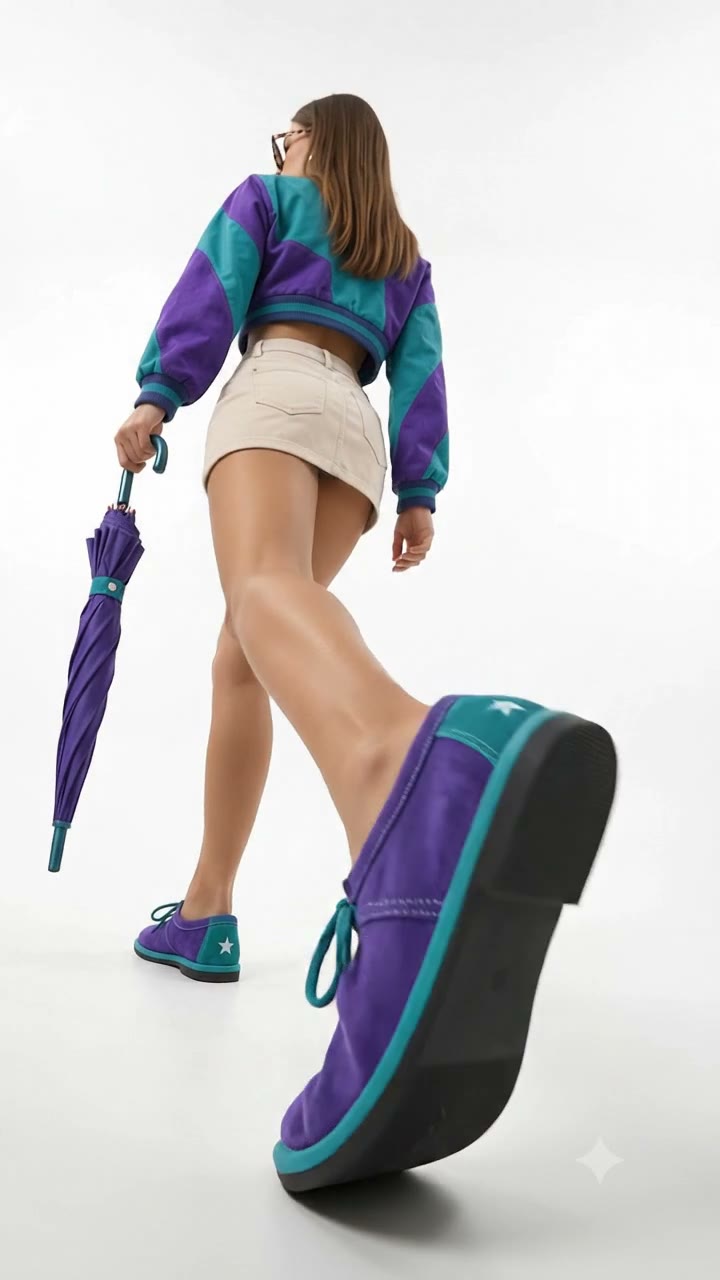
@shoe, one step, plain floor
resolved → @shoe · 6 references
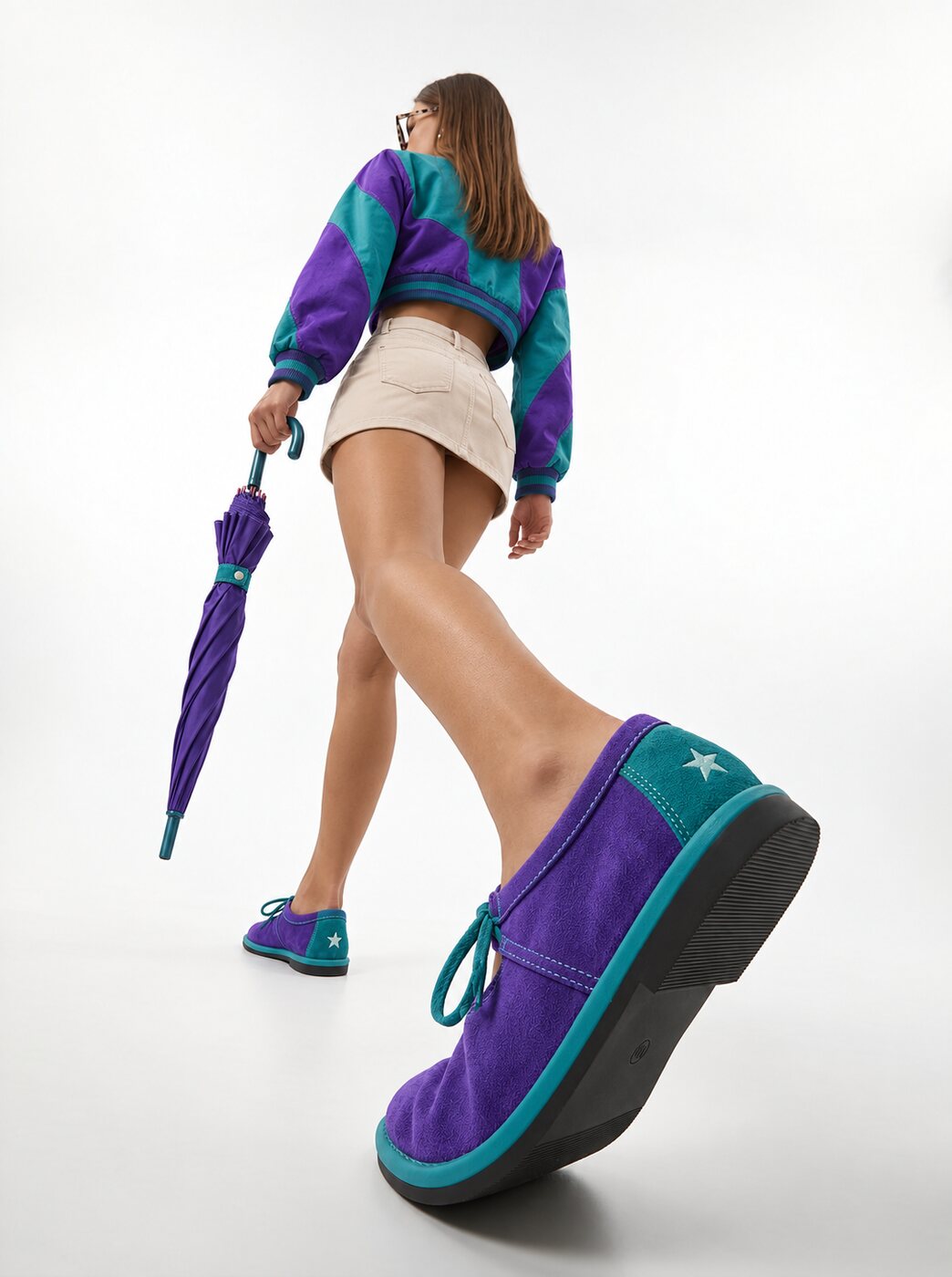
@shoe · walk · start frame
Seedream 5 · start frame
@shoe · walk · 4 s
Veo 3.1 · 720×1280 · 4 s
Brand · approved
note: the colourway holds in motion
@talent · Social set · hero frame
Seedream 5 · Summer 2026
@talent · same expression · the clothes rail
Seedream 5 · identity 0.98

@talent · same expression · a second model
Seedream 5 · identity 0.98
Creative director · approved
note: all three, one face
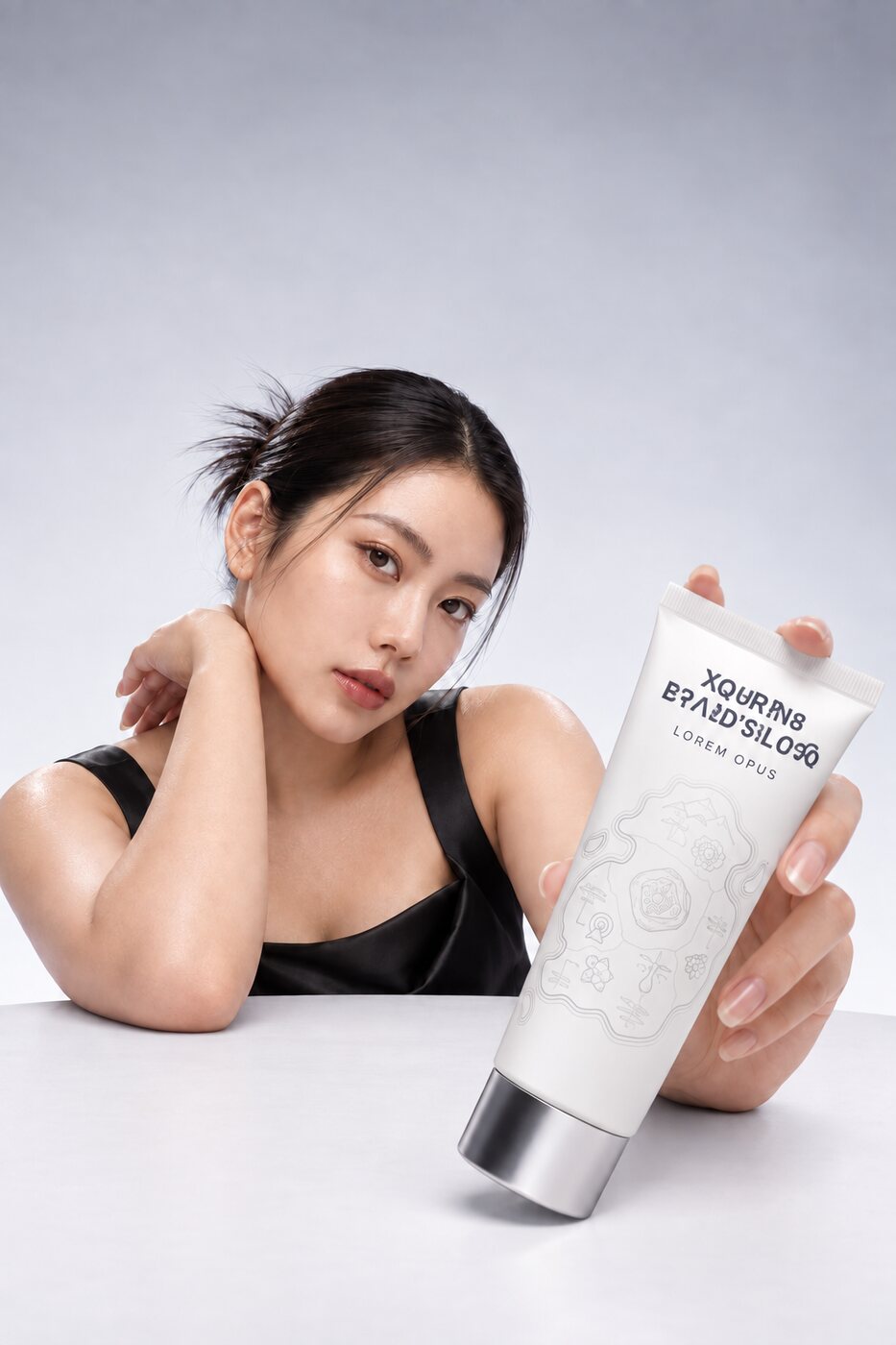
Art director · rejected
note: the wordmark is garbled
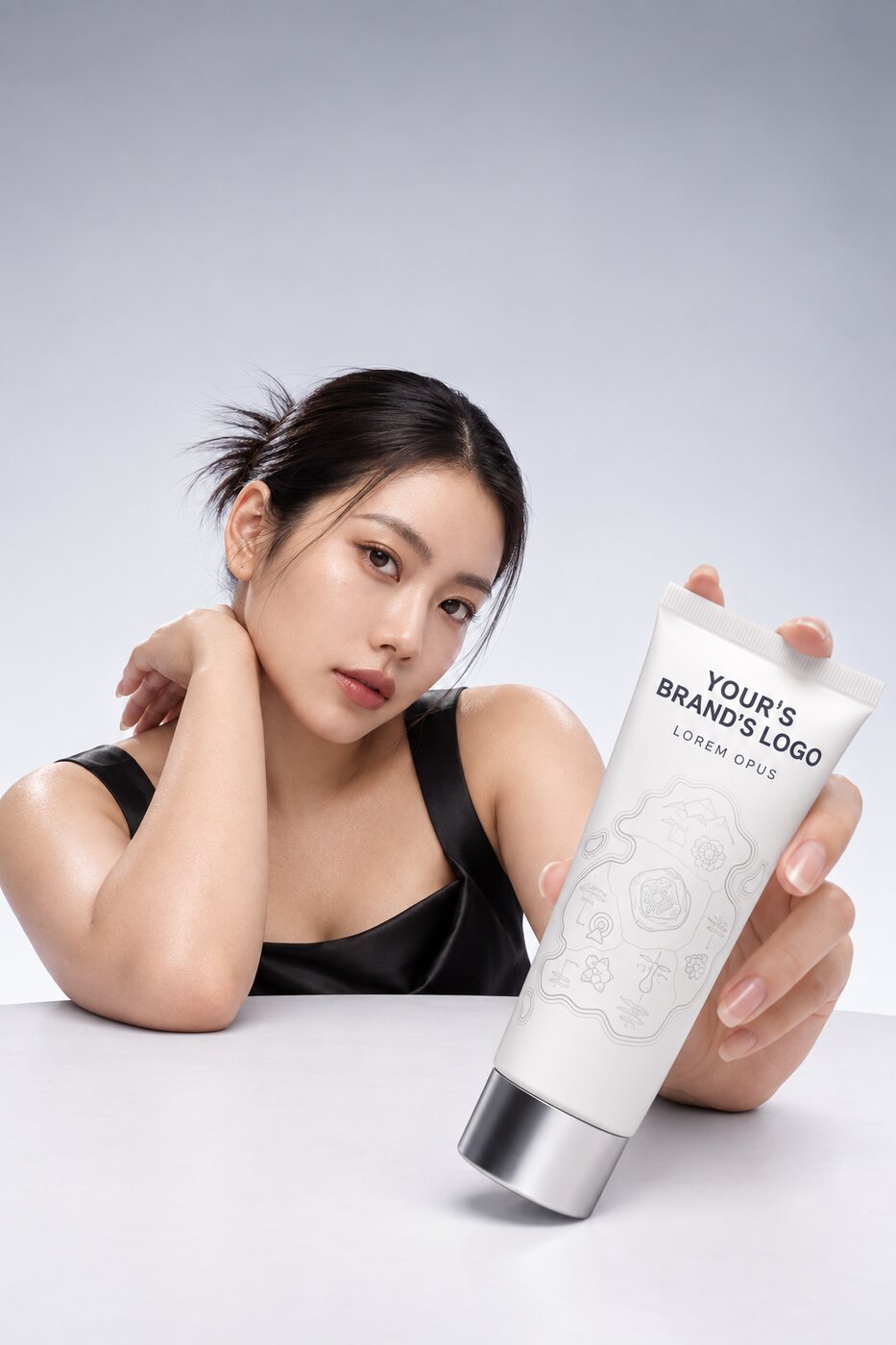
@logo · wordmark restored · v3
Muse Image · 18/18 glyphs
Brand · approved
note: v3 from here on
the wordmark never gets text over it
evidence · 3 rejections
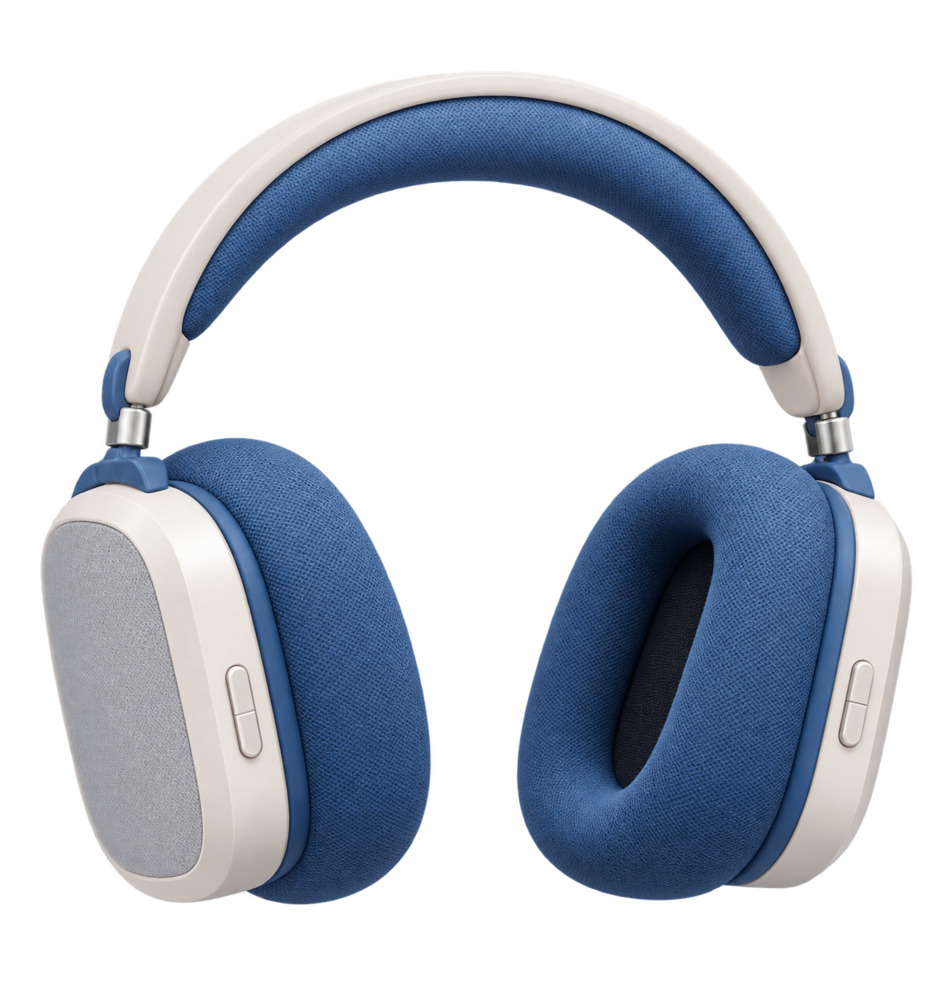
@headphones registered · product
cutout · 937×1000 · transparent
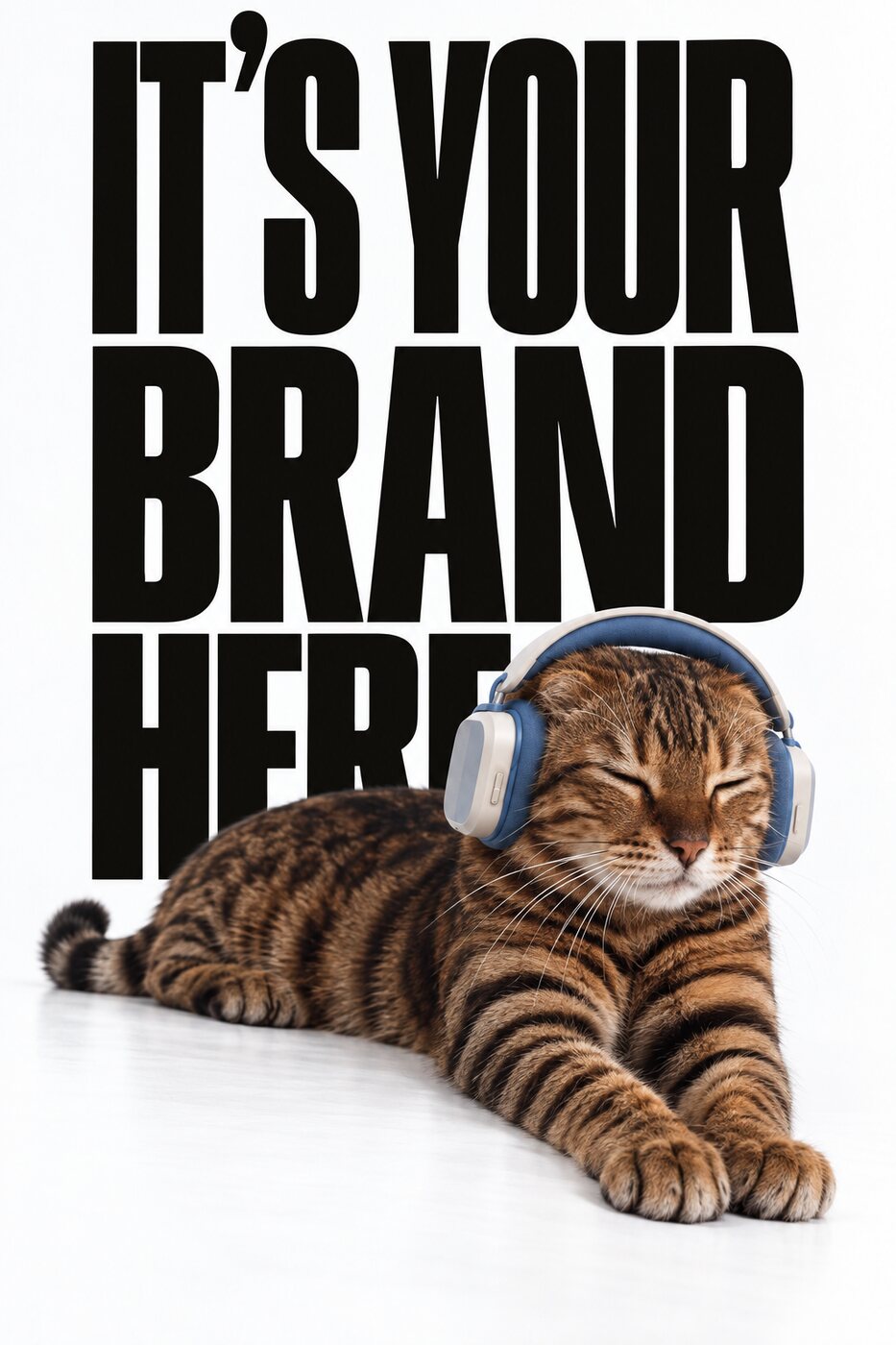
@headphones · Mascot 2026 · brand type behind
FLUX.2 · product unchanged
Creative director · approved
note: brand type behind, product unchanged
the headphones keep their exact blue
evidence · 7 approvals
Memory is scoped to the brand workspace. An agency running six client brands runs six memories that never see each other, enforced in the database, not by convention. Each one gets sharper on its own.
Register the things that matter as Context Variables: @rex the mascot, @ambassador, @logo, @hero-bottle, each with up to ten reference images. Tag one in a prompt and exactly those references go to the model. Describe something without a tag and the retrieval engine finds it for you.
Your memory is yours. Every asset carries its full lineage, and the whole graph can be exported. Memory that lives inside one vendor's stack is a lock; memory you can take with you is an asset.
Most search finds "a golden retriever." Zenflow's retrieval is built to find your golden retriever, from that campaign, in that pose. It runs four kinds of index over everything in the brand memory: instance retrieval for "is this the same product, logo or mascot"; identity retrieval for the faces of your registered ambassadors; language-to-image retrieval for "approved cozy fireplace scenes"; and document retrieval over briefs, decks and direction docs that keeps layout and typography intact instead of flattening them to text.
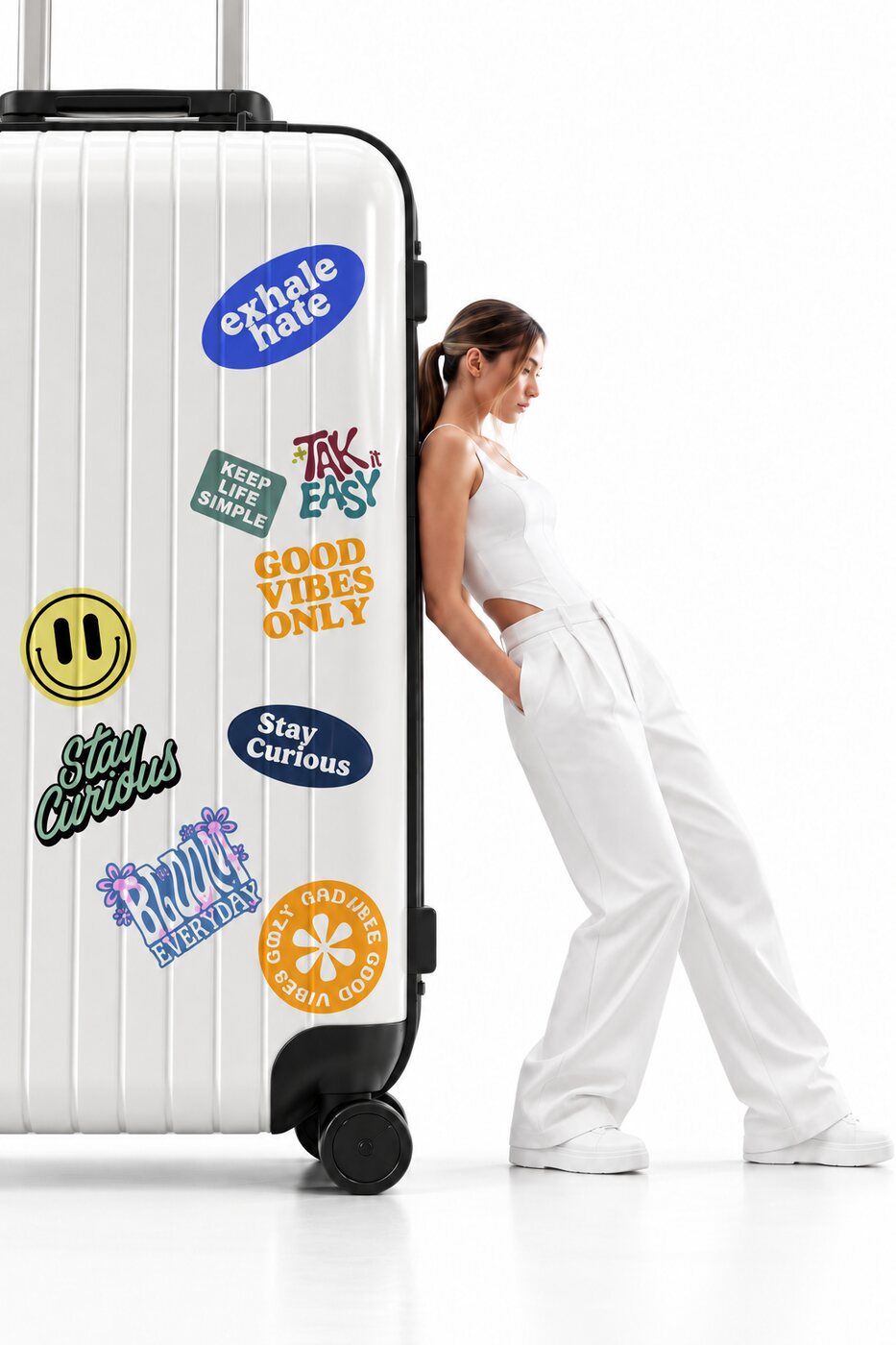 instance match
"Last year's cultural campaign" is a date range, not a keyword. The engine resolves campaign and festival references against your project calendar, scopes the search to that window, and ranks what it finds by what was actually approved. Facts carry validity windows too, so "the primary logo" can mean v2 in February and v3 in April, correctly.
First it looks for a registered Context Variable that matches what you said. Then it scopes to the campaign you named. Only if neither exists does it fall back to visual search over the scoped pool, cluster the results, and surface the dominant subject, and it offers to save that subject as a Context Variable so next time it's one tap.
Every time you confirm or dismiss a candidate, the ranker learns which was right. Retrieval gets better in the same way generation does: from your decisions, per brand.
Under the hood: retrieval runs on Postgres with vector indexes, so memory, generations and approvals are one system of record, not three. Frozen state-of-the-art embedding models do the encoding; all learning happens in a small, reversible ranking layer, never in the embedders, so nothing drifts and nothing needs re-indexing when you approve something.
When Zenflow retrieves something, you see it before it's used. A confirmation card shows the candidate with its provenance: the campaign it came from, the date it was generated, the model that made it, its approval and the reviewer's note. One question: Is this the one you meant? Use it or dismiss it. Retrieved context never goes to a model without a person seeing it.
@headphonesThe brand's over-ear headphones. The product is never altered and the blue stays exact.
Is this the one you meant?
Retrieved context never goes to a model without a person seeing it.
product kept · #1Confirm a retrieval and it becomes a labelled node, @headphones, Mascot 2026, product kept, wired into the generator. Everyone in the multiplayer canvas sees what the memory supplied, in real time, as a real object they can move, inspect or disconnect.
Open any generated asset and see exactly what it was conditioned on: which references, in which roles, which brand rules applied, which model and version, what the verification meters scored, and the retrieval trace that led there. Approve it, and the tab shows that too.
Zoom out and see the brand's memory as a graph: which assets and entities are used the most, by whom, feeding which campaigns, and the full ancestry of any single generation. What memory is doing is never a black box.
Referential phrases, "the dog we used", "that logo", "the ambassador from the summer shoot", light up in the composer as you write them. Retrieval runs in the background, under a third of a second, and the candidates are waiting by the time you finish the sentence.
instance match 0.99Christmas 2025 · 48 assetsZenflow connected to Claude, ChatGPT or Gemini. The brand memory answers in the tool the question was asked in.
What does this client keep rejecting?
Text placed over the wordmark — three rejections between 24 Nov 2025 and 06 Mar 2026 — and hero shots taken off the approved angle (two). Both are playbook rules now.
Type @ and the brand's Context Variables autocomplete: mascots, ambassadors, products, logos, scenes, styles. The same grammar works in the chat composer and on the canvas.
Zenflow's canvas is multiplayer. A retrieval one person confirms appears for everyone at once, so an art director in London and a client in New York are looking at the same reference in the same second.
Connect Zenflow to Claude, ChatGPT or Gemini and ask the brand memory directly: What does this client keep rejecting? What did we approve for the beach campaign? Answers come back timestamped and cited, with links to the assets. Decisions made in those conversations can be saved back into Zenflow as drafts for the team to accept.
Every image model treats every part of a picture as negotiable, including the parts that aren't: the spelling of your wordmark, the face of your contracted ambassador, the shape of your product. When a render is ninety percent right, most tools make you roll again. Zenflow repairs the region that failed and leaves every other pixel untouched.
One asset, all the way through: the wordmark render is detected, checked against the brand kit, restored from logo.svg and re-checked — and the loop runs on its own.
wordmarkgarbledZenflow locates the defect, checks it against your brand kit without touching a pixel, restores it from the brand's real asset, the actual vector logo, the ambassador's identity references, the true product shots, and re-runs the same checks on the result. A repair that doesn't strictly beat the original is discarded. The system can even reject its own refinement when the refinement makes legibility worse.
A wordmark is rigid and belongs to the brand. A face is deformable and has to be modelled. A product has to be reconstructed from reference. Zenflow uses a different repair path for each, because collapsing all three into one inpainting model is how teams ship the pasted look.
Identity is measured, not eyeballed. The identity meter scores how close the repaired face is to the ambassador's references and shows you the number. Wordmarks are checked character by character. Colours are checked against the palette. Every score is stored with the asset, so "identity retained: 0.94" is a fact in the lineage, not a claim in a deck.
Image repair ships as a product. Video repair runs as an experimental feature in pilots: the same memory, the same references, the same lineage, while frame-exact identity across a full spot is still maturing in the underlying models.
A creative director's yes and no are the richest signal about what on-brand means, and in every other tool they move a card on a board and disappear. In Zenflow every approval and rejection, with its note, becomes part of the brand's memory.
shoe unchangedproduct placedidentity 0.98the primary logo changed — v3 from here on
the chest logo never crops at the seam
retrieved candidate confirmed · 9×
Launch 2026 runs 02–16 Mar 2026
one face carried the whole social set
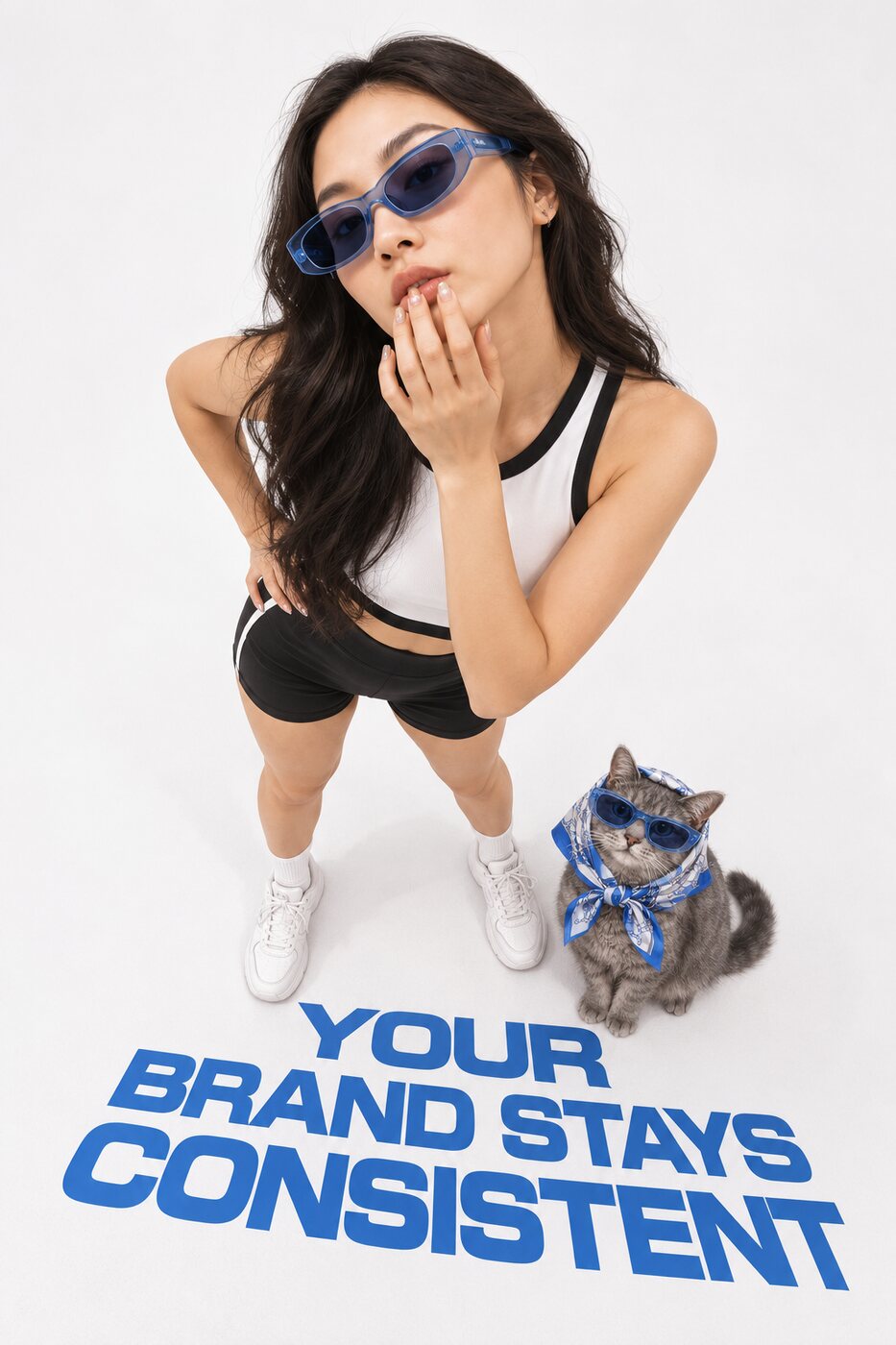
Day 1
drag the yearFacts with dates: the primary logo changed in March; this client rejects purple backgrounds; @rex appeared in last year's cultural campaign. Playbook rules per brand and per model, each with evidence: keep the mascot at 35–45% of frame height, never put text on the dog, collar is #C8471C. And ranking signals: which retrieved candidates were confirmed, which generated options were chosen. You can read every rule, see what it's based on, and retire it.
Rules are added, reinforced, decayed or retired one at a time with an audit trail. Learning lives in prompts, rules and ranking, never inside the model weights, so it is bounded, reversible and portable across every model in the registry.
Other tools are the same product on day one and day 365. Zenflow, by day 365, has become your brand.
Every template is a canvas you can run as-is or rebuild. Each one is wired to the brand memory, so the first run already uses your Context Variables, rules and approved references.
@headphonescut out inputbrand font behind the subject
Zenflow's canvas is node-based. Prompts, references, generators, editors, verifiers and approvals are nodes; the edges show exactly what feeds what. You can see how an asset was made, change one step, and run it again.
@rexsame dog · new seasonFound @rex · Cultural 2025 in brand memory — approved 19 Oct 2025, pose carried. Generated with Nano Banana 2:
Verified against the brand kit — identity 0.97 · collar #C8471C · palette ΔE 1.2.
Sent to the approval chain: Art director ✓ · Creative director ✓ · Brand ✓ · Client pending.
09:42Asking is free. Attach a model when you want to make something.
Fork a workflow to try three directions from the same references. Run one workflow over a whole list of inputs. Nest a workflow inside another as a sub-canvas so a complex pipeline reads like one step.
Art director → creative director → brand → client, as stages on the canvas, with notes captured at each one. Nothing ships without the chain, and every decision in the chain becomes memory.
Build the pipeline once, then share a simplified interface. Teammates add the inputs, a brief, a product image, a campaign name, and get on-brand results without touching the full canvas.
Cursors, presence, comments and live changes. The canvas is a room, not a file.
Image, video and text models from every major provider, in one registry, with the same prompt grammar in front of them. Use one model for the hero, another for the variations, a third for the repair. Zenflow keeps the references, rules and memory identical across all of them.
A Brand Model is a base model plus your memory plus your rules, saved as one thing: "Northwind · product hero · FLUX.2" or "Northwind · mascot · Nano Banana 2". Create as many as you need per brand, per format, per client. Run them like any other model. When a better base model arrives, upgrade the Brand Model without losing anything it learned.
Agency and Enterprise plans connect your own model endpoints and private deployments. They sit in the same registry, behind the same memory, with the same verification.
Run the same brief through several models side by side and let the meters score them. Zenflow tracks which models your brand approves most often for each kind of job, and recommends accordingly.
Models get renamed, repriced and withdrawn without notice. Because Zenflow's memory sits above the models, a workflow built on one model runs on the next.
Model registry highlights this month: Muse Image, Nano Banana 2 and Pro, FLUX.2, Seedream 5, GPT Image 2, Qwen Image 3, Ideogram 4, Kling 3.0, Seedance 2.5, Veo 3.1, Wan 3.0, LTX 2.3, MiniMax H3, and more. The list changes monthly; the memory doesn't.
final · with the clientOrganisation → brand workspace → project → approval chain. Members, roles and permissions per workspace. Six client brands, six isolated memories, one team.
Concept, draft and final approvals, each with request and decision notes, each with a decider on record. Clients can approve from a share link without an account.
Every run is a line: model, duration, provider price, Zenflow's 12%. Export per brand and drop it into the client invoice. Credits are unbillable; dollars are.
Zenflow was built as an internal tool inside an Omnicom agency and used on live brand work for a year before it was a product. It was pulled out because the agency asked to white-label it.
| Model | Run | Provider price | Zenflow fee | Line total |
|---|---|---|---|---|
| Nano Banana 2 | 4 images | $0.140 | $0.017 | $0.157 |
| FLUX.2 | 6 images | $0.240 | $0.029 | $0.269 |
| Kling 3.0 | 4 s video | $0.840 | $0.101 | $0.941 |
| Veo 3.1failed · not charged | 4 s video | $0.00 | $0.00 | $0.00 |
| Seedream 5 | 2 images | $0.056 | $0.007 | $0.063 |
| total · 12 Mar | 5 runs | $1.276 | $0.154 | $1.430 |
Clear transactions. Every run is one line — what ran, what the provider charged, what Zenflow charged, and the total. Nothing is hidden in a credit rate.
You see the provider's price and our fee before you press generate.
Top up in dollars. Unused balance stays yours.
If the provider fails, you pay nothing.
Our fee is a line you can read, not a markup hidden in a credit rate.
Export any brand's spend for any period and rebill it to the client.
@headphones · product kept@headphones@@logoWhat it was conditioned on, which rules applied, which model, which scores, who approved it and when.
Client exports carry Content Credentials that chain the model's own signature to Zenflow's record of retrieval, conditioning and approval.
Every question asked of the brand memory from an outside assistant is logged, scoped by token, and fenced so retrieved text is data, never instructions.
The whole graph, yours to take.
Import the brand book, the logos and the last two or three campaigns' approved finals. Zenflow embeds them and registers the obvious Context Variables: mascot, ambassador, logo, hero product.
Refer to what you already have in plain language, or tag it with @. Watch the referential phrases resolve as you type.
Check the candidate card, its date, model and approval. Use it, and it becomes a node on the canvas. Click the context icon on the node to see exactly what was retrieved and what is passed to the model.
Generate four, keep two. The meters score identity, pose, wordmark and palette before you look.
Anything the meters flag goes through the repair pass, from your real assets. Keep only what beats the original.
Every yes and no, with its note, goes into the brand memory. Next run starts further ahead.

This year’s set with last year’s approved mascot, in the approved pose, in a new setting.
 @headphones
The brand's over-ear headphones. The product is never altered and the blue stays exact.
#1@headphones#2start frameIs this the one you meant?
Retrieved context never goes to a model without a person seeing it.
product kept · #1keptkept
 before
 after
after
The real product, the real label, every angle, across thousands of SKUs.
OpenSix brands, six memories, one team, one Friday.
OpenThis year's set with last year's approved mascot, in the approved pose, in a new setting.
OpenIdentity that holds, measured, with the contracted person's references as ground truth.
OpenZenflow is a research-led product. The brand repair loop, the identity meter, the retrieval schema for brand corpora, preference-based prompt optimisation, and multi-model routing are all open problems we work on in the open. Read the research, the reading list and the questions we can't answer yet, and talk to us if they are your obsession too.
Read the researchQuality strong enough to be showcased for Mars-owned global brands and a large Indian conglomerate.
The way it was able to retain and apply context without having to repeatedly re-reference the same information really stood out to me.
It was evident that the team had spent time understanding how users actually interact with the product and translated that into a clean and thoughtful experience.
$29 per seat per month, or $290 a year.
One seat, one brand workspace, 420+ models, explicit Context Variables.
Start with your brand$149 a month plus $39 per additional brand workspace.
Five seats, three brand workspaces, deep retrieval, approval chains, rebilling export, bring-your-own models.
Start with your brandCustom, annual.
Unlimited workspaces, SSO, security review, onboarding, private model deployments, memory export SLAs.
Start with your brandAll plans pay the provider's price plus a visible 12% for generation. No credits that expire. Failed runs are free.
Zenflow is an AI creative workspace for agencies and brand teams. It sits above 420+ image and video models and holds the state they can't: what your brand approved, which references define it, which rules it follows. You generate, approve, repair and ship on a multiplayer canvas, and the brand memory gets sharper with every approval.
No. Retrieval-augmented generation fetches text to help a language model answer. Zenflow's retrieval is built for brand assets: instance-level "is this the same product", identity-level "is this the same person", time-scoped "which campaign", and document-level "which page of the brief". It shows you what it found before using it, conditions the model with role-typed references, verifies the output against your real assets, and learns from your approvals. RAG does none of that.
Their memory learns a user's preferences inside their stack, with their models. Zenflow's memory retrieves specific prior generations with time, shows its work, is scoped per client brand with agency approval chains, runs on any model, and can be exported. It also repairs from real assets with a measured gate, which neither offers.
No. Learning happens in the retrieval ranking, the facts and the playbook rules, never in model weights. That keeps it portable across every model, reversible, and auditable. Private per-brand models are something we research, not something we ship silently.
No. Memory is isolated per brand workspace, enforced at the database level. Cross-workspace access is not a setting that can be misconfigured.
Your workflows, references, rules and memory are model-agnostic. Point the Brand Model at the next base model and run.
Image, video and text models from every major provider, 420+ in the registry, updated monthly. Agency and Enterprise plans can connect their own endpoints.
That the repaired region is restored from the brand's real asset, that everything outside the region is untouched, and that a repair which doesn't beat the original on the same checks is discarded. It doesn't claim prettier images than the frontier models; it claims brand-exact ones, measured.
No.
Provider price plus a visible 12%, shown before every run. Top-ups in dollars, no expiry, failed runs free, itemised per brand for rebilling.
Yes, from a share link, with their decision and note recorded in the approval chain.
Yes. The connector lets you search the brand memory, read the prompt playbook and save decisions back, with every call logged and scoped by token.
You can start free. Advanced retrieval, approval chains and rebilling are on paid plans.
Add your brand book, your logos and last year's approved campaign. Then ask for the dog from last year's cultural campaign.


